
Product achha kaam kar raha hai. Delivery ek din late hui, lekin support se updated information mil gayi thi.
Digital Boards
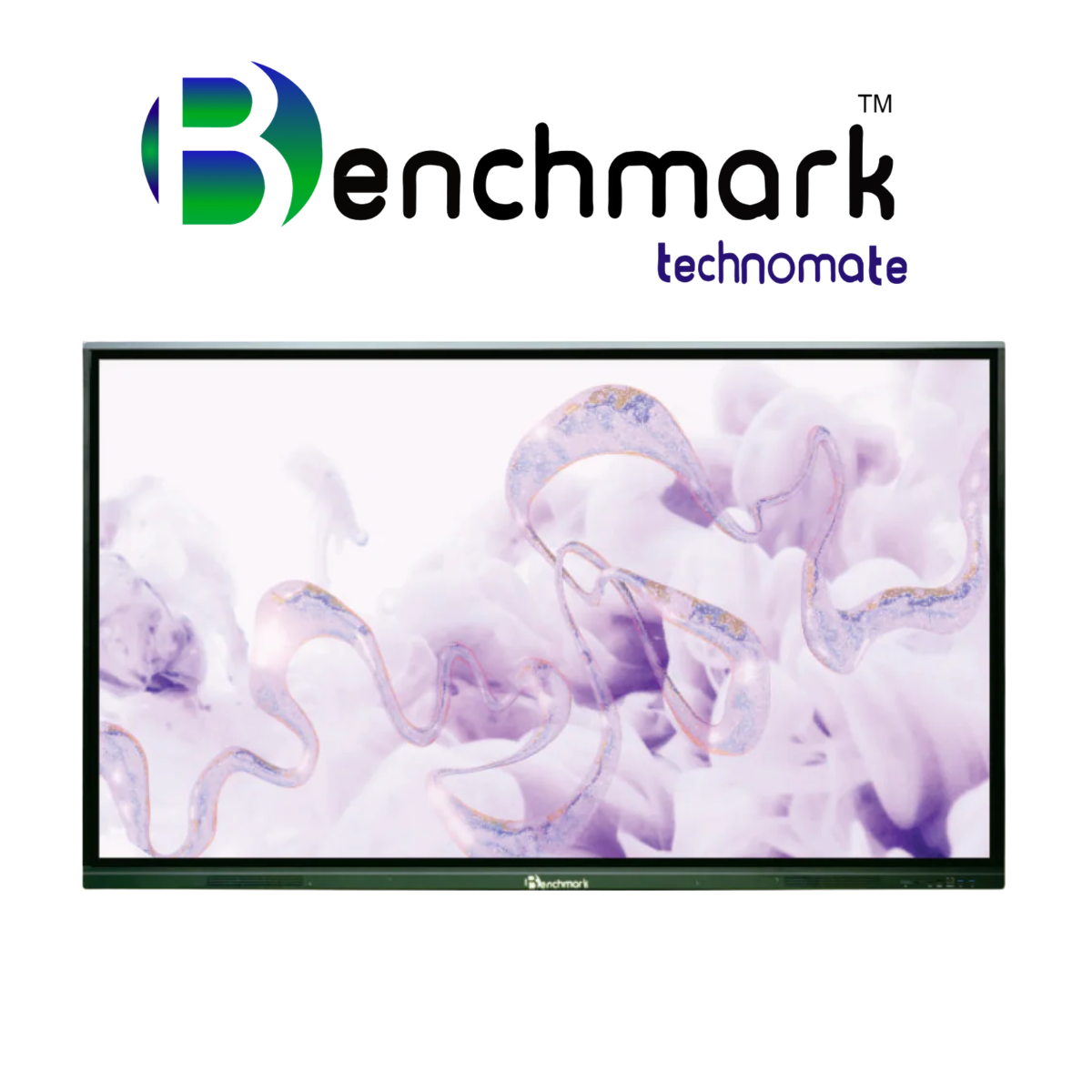
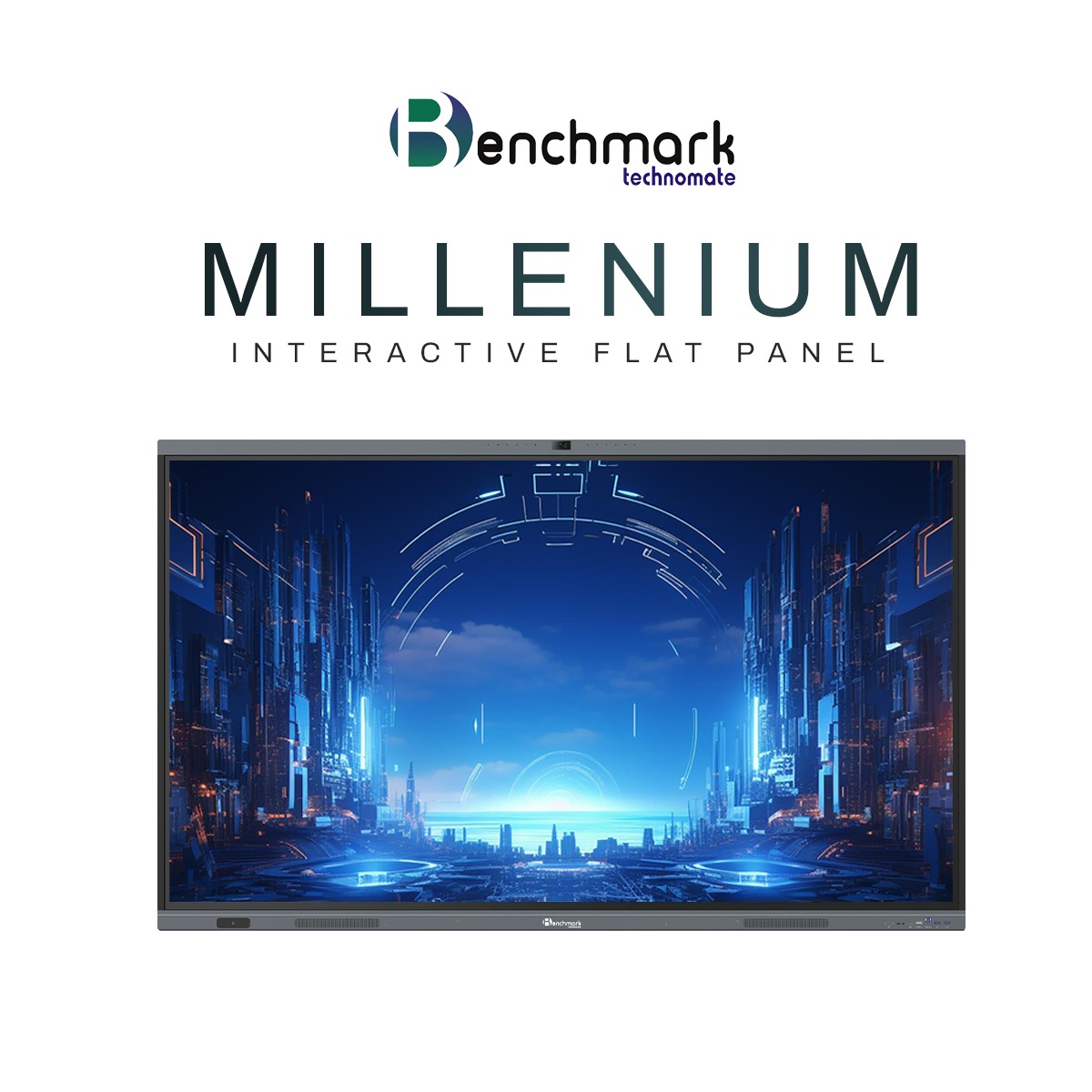
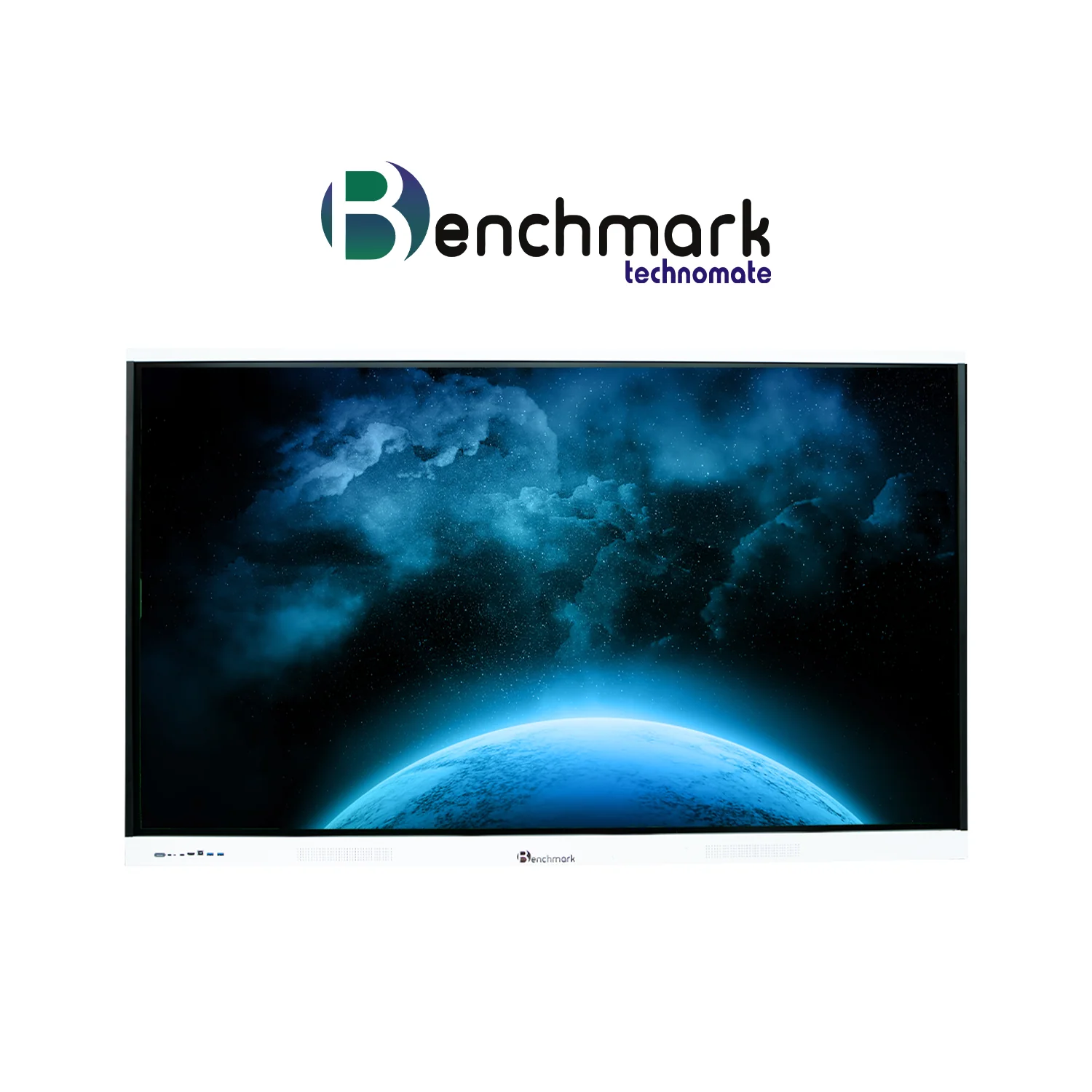
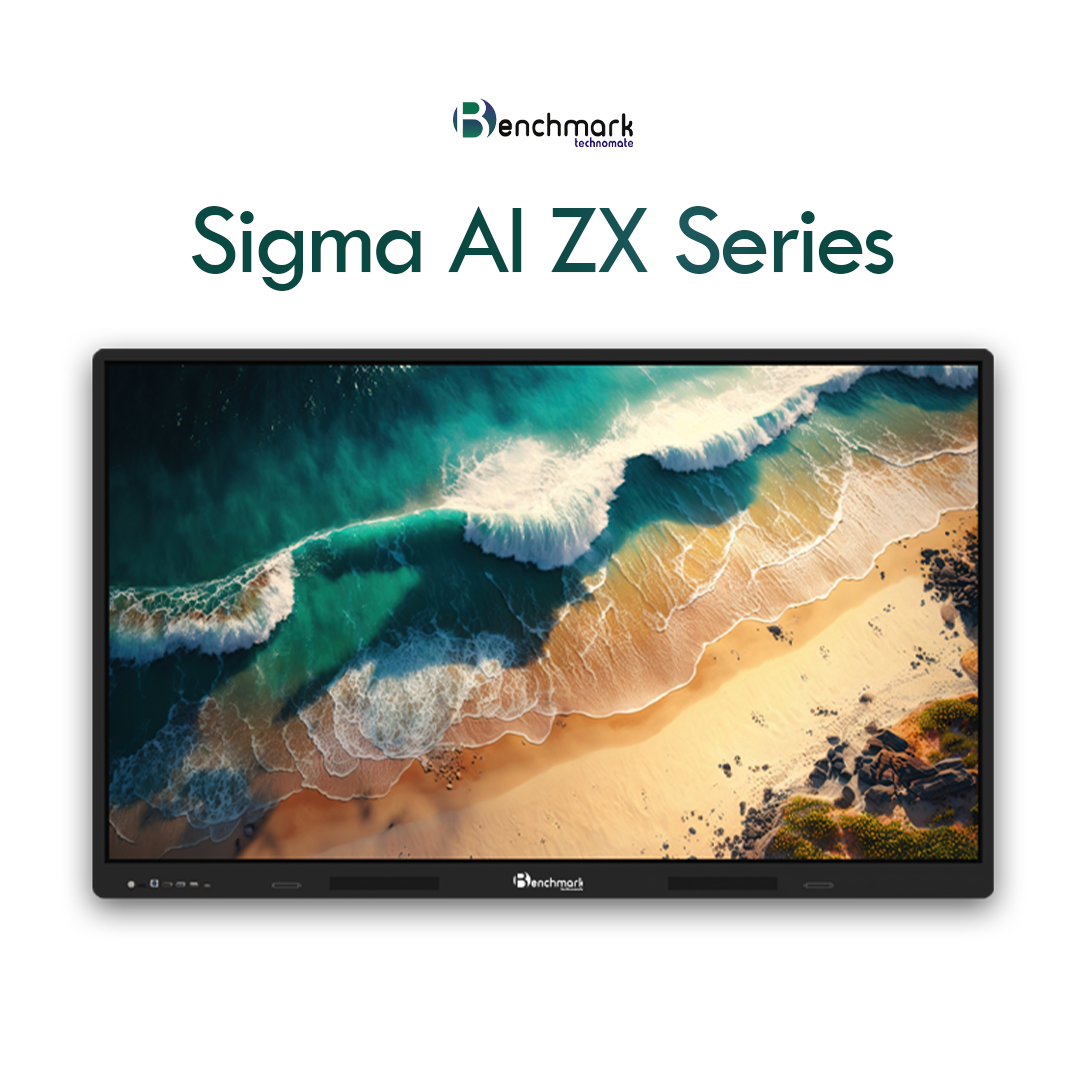
Benchmark Technomate Interactive Flat Panel | 4K Smart Digital Board Price In India



The BMT Maxpro Ultra isn’t just another digital board—it’s a transformative solution for modern classrooms, coaching centers, studios, and boardrooms. Powered by the robust Android 14 OS, this panel combines vibrant visuals, responsive touch capabilities, and intuitive teaching tools to deliver an exceptional interactive experience.
Key Features Overview
Operating System: Android 14 with enhanced multitasking and user-friendly interface
Display Sizes: Available in 65” and 75”
Resolution: 4K Ultra HD (3840 x 2160 pixels)
Touch Technology: 40-point infrared touch with zero bonding for high precision
Memory & Storage: 8GB DDR4 RAM with 128GB internal storage
Processor: Quad-core chipset ensuring smooth performance
Connectivity: HDMI, USB, LAN, Wi-Fi, Bluetooth
Audio Output: Dual 20W speakers with immersive surround clarity
Smart Tools: Built-in whiteboard, annotation tools, split-screen multitasking
Eye Care: Flicker-free display and low blue light technology
Camera Compatibility: Ready for USB and 4K PTZ plug-and-play integration
Dual OS Support: Compatible with OPS for Windows + Android dual-boot
What’s Included in the Box?
-
1x BMT Maxpro Interactive Panel (size based on selection)
-
2x Stylus Pens
-
Wall Mount Kit
-
Power Cable
-
Remote Control
-
Quick Start Guide
-
Warranty Documentation
Why Choose BMT Maxpro Android 14?
1. Seamless Android 14 Experience
Experience enhanced performance, faster app load times, and smoother transitions with the latest Android 14 OS. Perfect for multitasking between apps used in teaching, corporate presentations, or content creation.
2. Ultra HD 4K Visuals
Engage your audience with stunning clarity. Whether you’re delivering a lesson or a presentation, the 4K display enhances focus and reduces visual fatigue.
3. Natural Writing with Zero-Bonding Touch
Enjoy smooth, real-time writing like using a traditional whiteboard. Zero bonding technology makes interaction more responsive and precise.
4. Built-in Teaching Tools
From annotations and digital whiteboarding to wireless screen sharing and split-screen mode—everything you need to make your sessions more interactive is built right in.
5. Immersive Audio Performance
With dual 20W speakers, your voice or video content fills the room, making it ideal for classrooms, training halls, and hybrid meetings.
Who Can Use It?
-
Teachers & Coaching Institutes: Easily transform a basic classroom into a smart learning hub with real-time collaboration and remote teaching support.
-
YouTubers & Creators: Record, annotate, and stream effortlessly with touch interactivity, perfect for tutorials and content creation.
-
Corporate Teams & Trainers: Boost productivity through collaborative sessions, visual presentations, and interactive whiteboarding.
-
Educational Institutions: Support hybrid learning and digital testing while simplifying classroom management.
Broad Compatibility & Connectivity
Connect seamlessly with:
-
Windows & Mac laptops
-
PTZ cameras and document scanners
-
Microphones and speaker systems
-
Wireless display casting via Miracast or AirPlay
-
External keyboards, mice, and USB drives
Supports OPS (Open Pluggable Specification) to turn your panel into a dual-system workstation—use Android and Windows on the same device for maximum flexibility.
Use Case Scenarios
For Education:
-
Teach both in-class and online using built-in tools
-
Create quizzes and assessments
-
Stream live with USB webcams
-
Share notes instantly with students
For Businesses:
-
Collaborative project discussions with annotation tools
-
Video conferencing with clear visuals and sound
-
Remote team brainstorming and mind mapping
-
Data visualization and interactive presentations
For Creators:
-
On-screen drawing for educational videos
-
Perfect for OBS, Zoom, or Teams integration
-
Record lessons, screen demos, and more
Installation & Support
-
Professional Installation – Done by certified technicians
-
1-Year Comprehensive Warranty
-
Extended Warranty Options Available
-
Free Virtual Training Post-Installation
-
Dedicated Lifetime Technical Support
Frequently Asked Questions (FAQs)
Q1: What sizes does BMT Maxpro Android 14 come in?
A: Available in 55”, 65”, 75”, and 86”.
Q2: Can it support both Android and Windows?
A: Yes, with OPS integration you can use both Android 14 and Windows OS.
Q3: Is it compatible with 4K PTZ and USB cameras?
A: Absolutely. It supports plug-and-play functionality for most third-party cameras.
Q4: Can I download and install Android apps?
A: Yes, via APK or Google Play Store access.
Q5: Does it connect to the internet?
A: Yes, it supports both wired LAN and wireless Wi-Fi connectivity.
Q6: Is this suitable for online teaching?
A: Yes. It’s optimized for platforms like Zoom, Google Meet, and Teams.
Final Thoughts
The BMT Maxpro Ultra interactive panel is your all-in-one solution to bring digital excellence to your classroom, studio, or corporate setting. With premium build quality, seamless OS integration, and an extensive set of built-in tools, this panel redefines what’s possible in interactive engagement.
Product Consultation
Need Help Choosing the Right Setup?
Share your requirement and our Smart Infovision team will help you with product selection, pricing, installation and complete setup guidance.
Expert product consultation
Pan India installation assistance
Experience center demo support
Sales and after-sales support
Free Consultation
Tell Us Your Requirement
You are enquiring about Benchmark Technomate Interactive Flat Panel | 4K Smart Digital Board Price In India.
Customer Reviews
Benchmark Technomate Interactive Flat Panel | 4K Smart Digital Board Price In India Reviews
5
Based on 1 review
Write a Review


TESTIMONIALS
What Our Client Says
Real experiences from educators, institutions and creators using Smart Infovision solutions.
I have using KODAK M12 2.5mm Dual Lavalier Microphone From past 6 months and i have to say this has been the best Microphone i have ever used for my Coaching Institute. Don't think twice just go for it.

Karan
Smart Infovision Customer
Premium Digital Metallic Podium with countless Number of Features. Very Premium and Good Product. highly Recommendable .
Vijay
Smart Infovision Customer
purchased for My kids really helped me lot . Kids loves the interface and it really increased their learning time.
Ashish
Smart Infovision Customer
Premium Material and has side adjustments. Nice product under affordable price.