Digital Boards

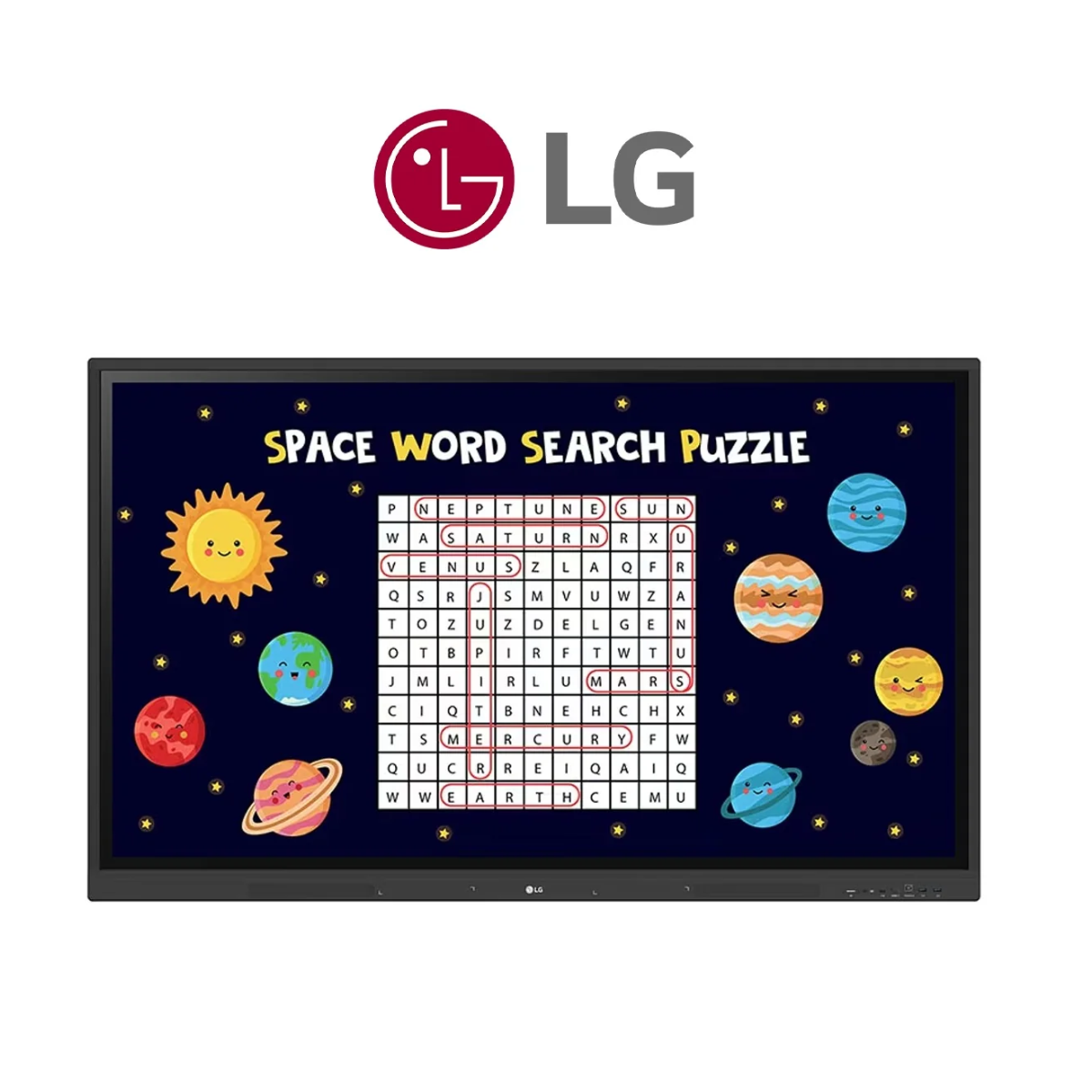
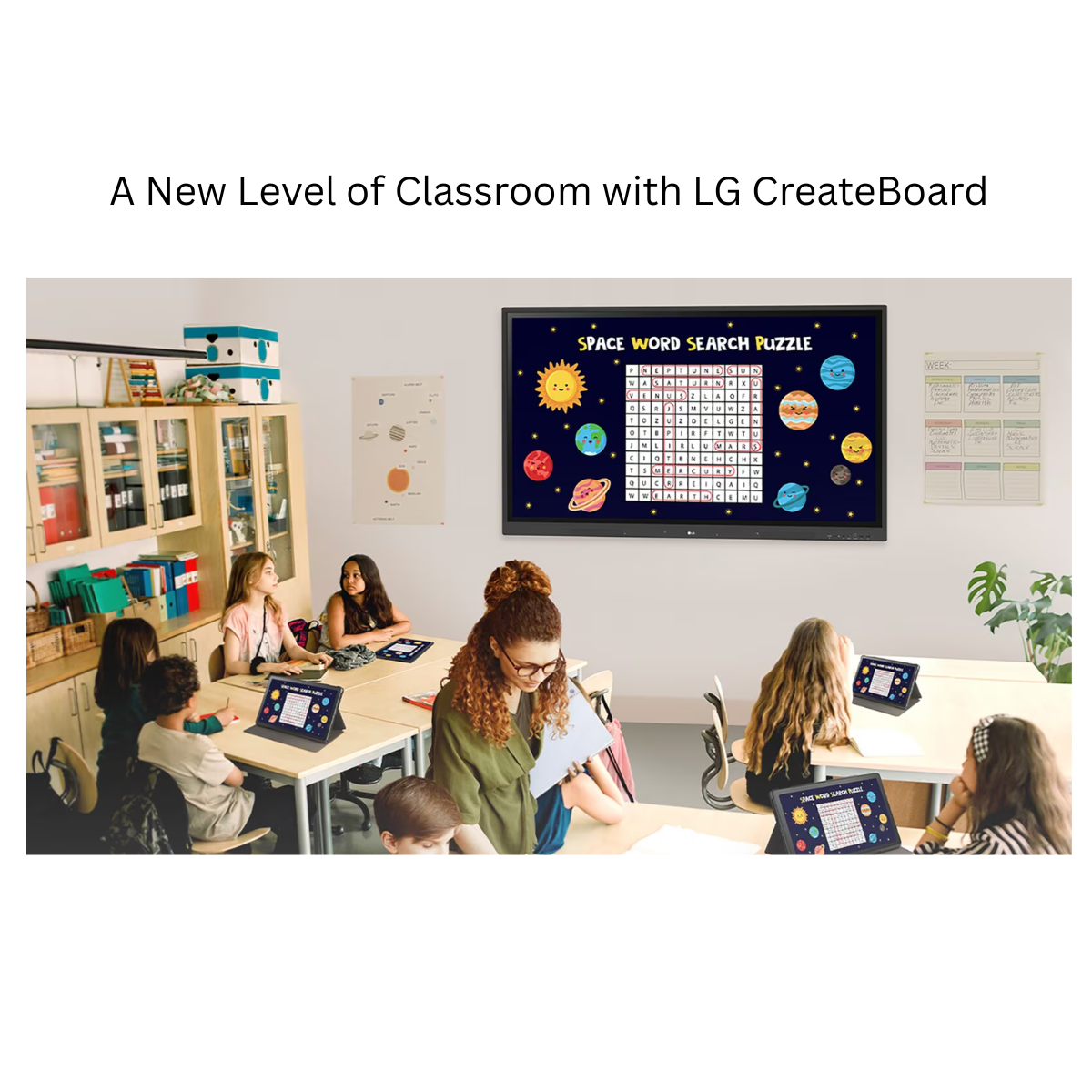
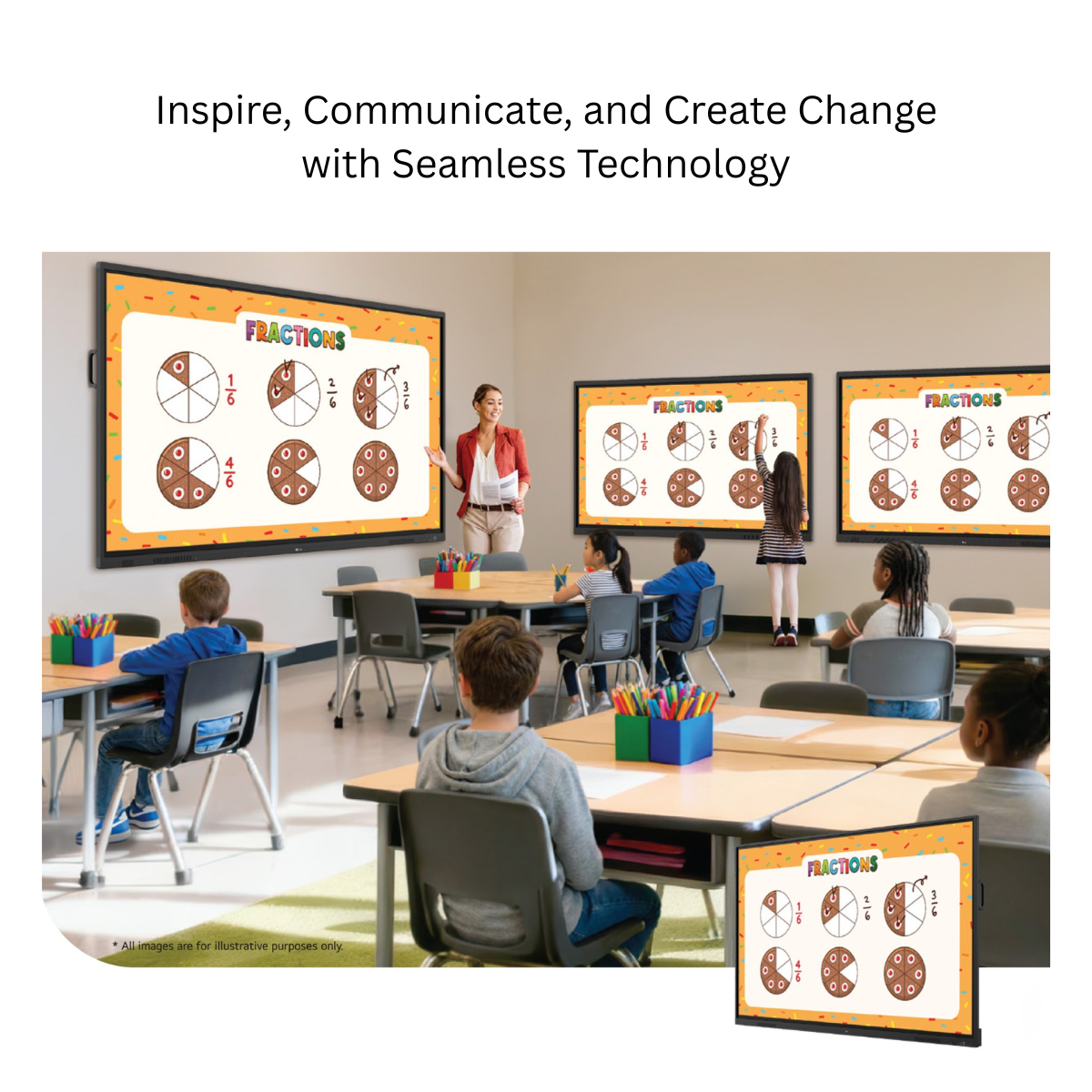
Bring classrooms, training rooms and collaborative workspaces to life with the LG CreateBoard TR3ER Series Interactive Digital Board. Designed for intuitive interaction, seamless content sharing and secure collaboration, the TR3ER combines a 4K UHD display, Android 16 with Google EDLA, up to 50-point multi-touch, LG CreateBoard Lab, wireless screen sharing and advanced connectivity in one professional interactive display.
Available in 65-inch, 75-inch and 86-inch screen sizes, the LG CreateBoard TR3ER Series is built for schools, colleges, universities, coaching institutes, corporate meeting rooms and professional training environments.
|
Feature |
Specification |
|---|---|
|
Screen Sizes |
65”, 75”, 86” |
|
Native Resolution |
3840 × 2160 UHD |
|
Brightness |
440 cd/m² |
|
Operating System |
Android 16 with EDLA |
|
RAM |
8 GB |
|
Storage |
128 GB |
|
Processor |
Octa-Core |
|
GPU |
Mali-G52 MC3 |
|
Multi-Touch |
Up to 50 Touch Points |
|
Glass |
Anti-Glare Toughened Glass with 9H Grade |
|
Glass Bonding |
Zero Gap |
|
Wi-Fi |
Wi-Fi 6 |
|
Bluetooth |
Bluetooth 5.4 |
|
Built-in Speakers |
20W × 2 |
|
USB-C |
Data, DisplayPort Alt Mode & up to 65W PD without OPS |
|
Screen Sharing |
LG CreateBoard Share |
|
OPS Compatibility |
Yes |
|
Google Services |
Google Certification / Google Play Store |
|
Remote Management |
LG ConnectedCare Compatible |
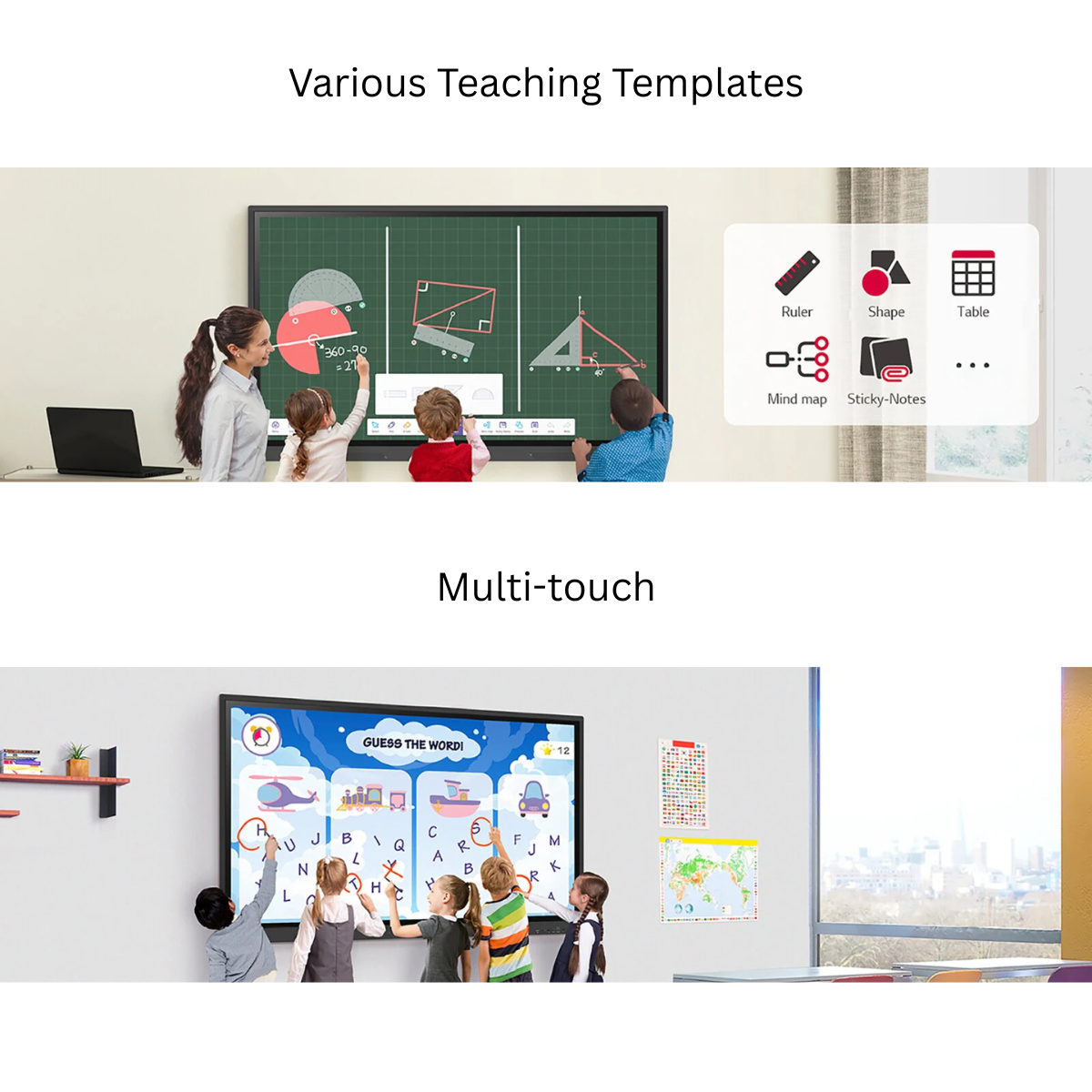
Create a natural and collaborative writing experience with multi-touch functionality capable of detecting up to 50 touch points simultaneously.
Multiple users can interact with the display at the same time, making the LG CreateBoard particularly useful for classroom activities, brainstorming sessions, team discussions and interactive presentations.
Users can directly write, draw, zoom and rotate content using their fingers, helping create a more engaging and intuitive learning environment.
Turn the display into an interactive digital canvas with LG’s dedicated whiteboarding capabilities.
LG CreateBoard provides teachers, trainers and presenters with tools designed to simplify content creation and encourage active participation.
Users can work with features such as:
Whether explaining a concept, brainstorming an idea or conducting a group activity, these tools make digital interaction more natural and productive.
LG CreateBoard Lab provides a flexible digital whiteboarding environment for education and professional collaboration.
Frequently used tools can be added to a personalized menu bar, allowing teachers and presenters to access important functions quickly during lessons and discussions.
LG CreateBoard Lab includes useful tools such as calculators, clocks, sticky notes and annotation functions that help users communicate ideas and conduct discussions efficiently.
Need additional information during a lesson or meeting?
Users can access online information directly through the web browser. Supported content such as text, images and links can be dragged and dropped into the material being created, helping educators and presenters enrich their content without interrupting the session.
LG CreateBoard Lab is compatible with multiple operating environments, including:
This makes it easier to maintain a consistent collaborative experience across interactive displays, laptops, tablets and other supported devices.
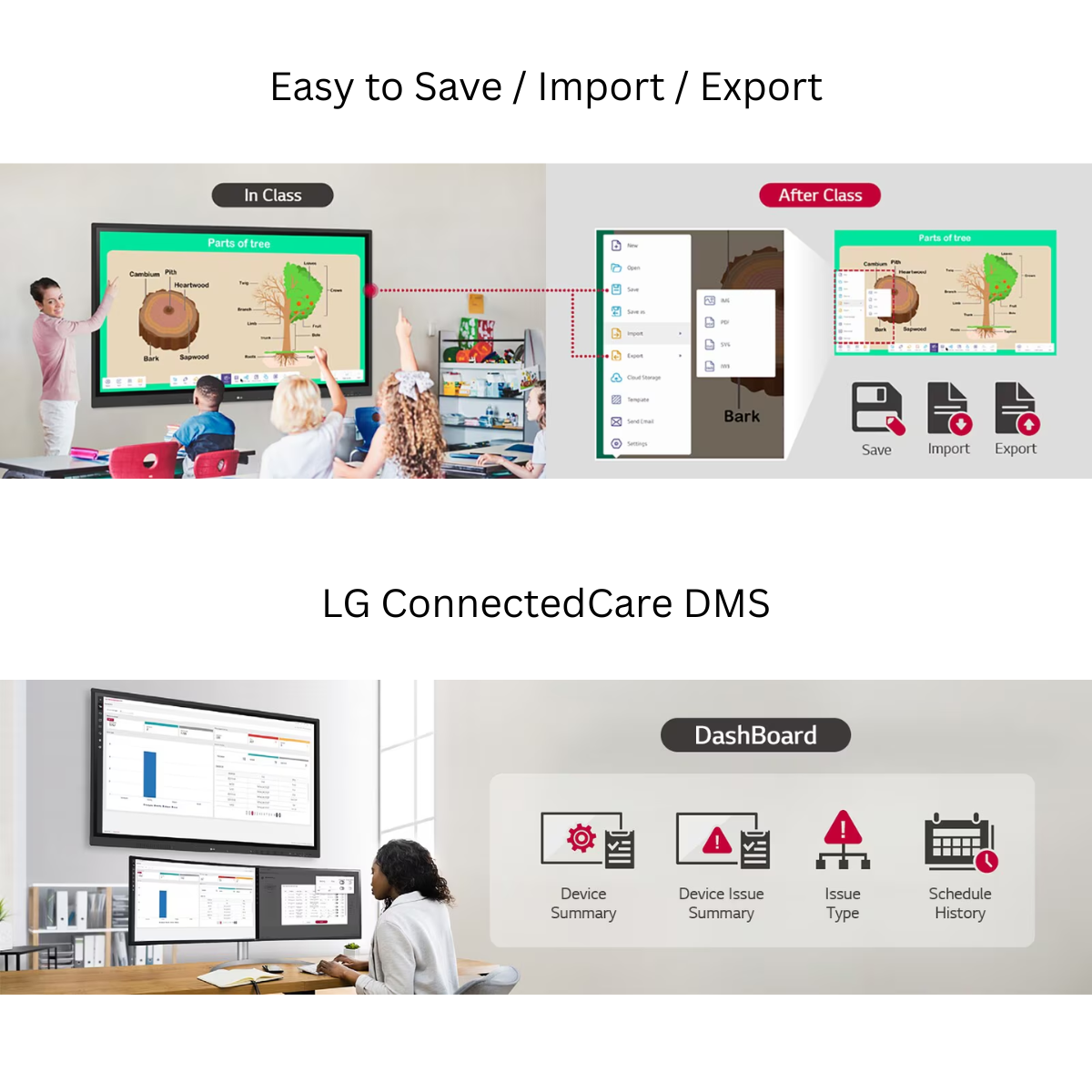
Simplify lesson preparation and post-session content sharing.
LG CreateBoard provides straightforward import and export functionality, allowing resources to be saved and imported to or from supported cloud services such as Google Drive and OneDrive.
After a meeting or lesson, materials can also be shared through email or transferred to a personal device using a QR code.
This allows educators and professionals to move from preparation to presentation and sharing without complicated workflows.
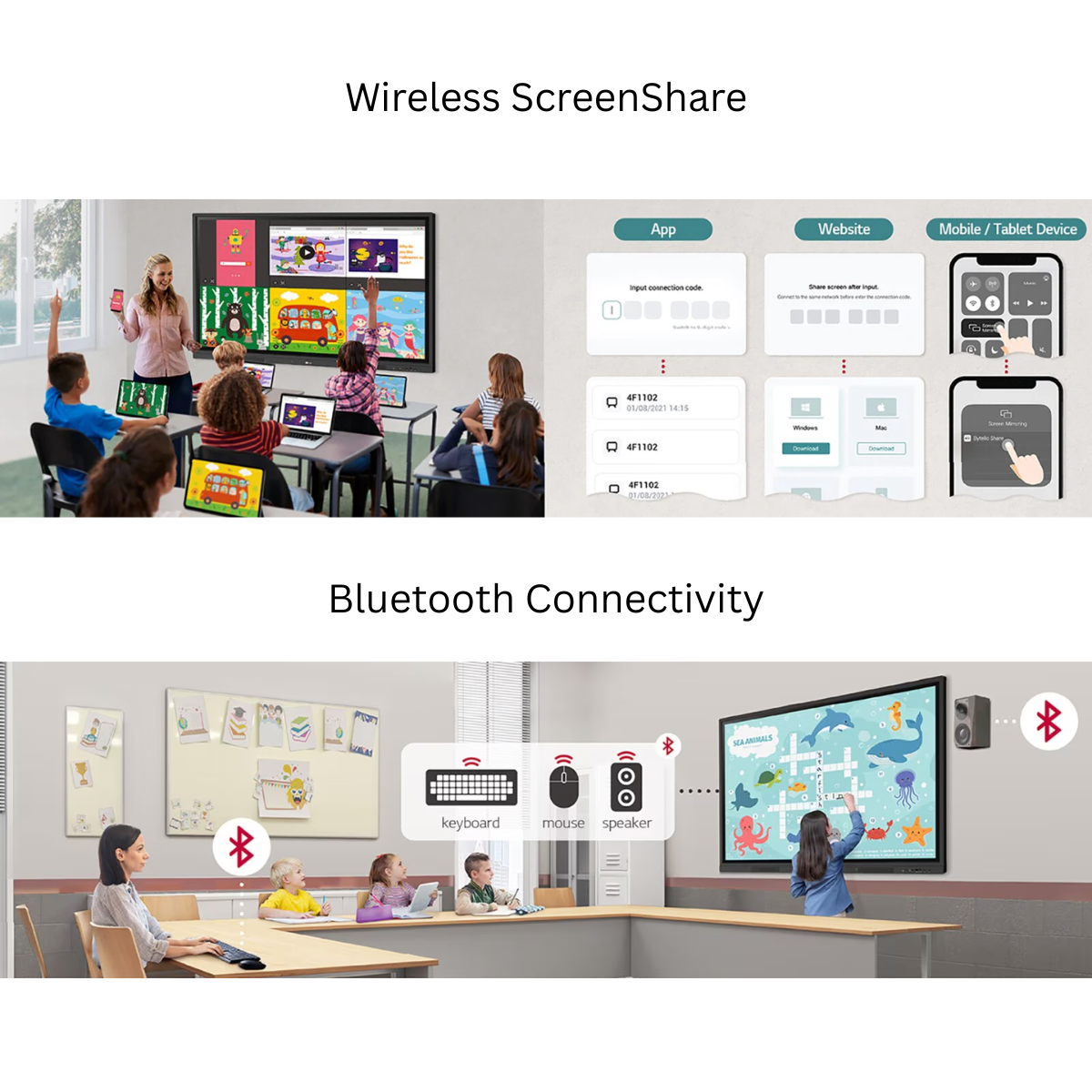
Remove unnecessary cables from your classroom or meeting room with LG CreateBoard Share.
Users can wirelessly share content from compatible:
LG CreateBoard also supports app-less sharing through a website when devices are connected to the same network. A dedicated LG CreateBoard Share application can be used for a more stable connection.
A connection can be established using a simple 6-digit code.
LG CreateBoard Share can display up to four shared screens simultaneously, making it easier to compare information, review student work or collaborate on multiple presentations.
Instead of repeatedly connecting and disconnecting HDMI cables when presenters change, participants can share their screens wirelessly.
Wireless sharing allows presenters to move around instead of remaining next to the display.
Teachers can conduct lessons from different areas of the classroom while controlling and sharing content from their own devices.
Similarly, business presenters can navigate freely around a meeting room and share presentations, photos and videos directly from compatible personal devices.
LG CreateBoard Share includes Secure Mode, giving authorized users control over screen-sharing permissions.
This helps prevent unauthorized participants from displaying content on the CreateBoard and provides greater control in classrooms, institutions and professional environments.
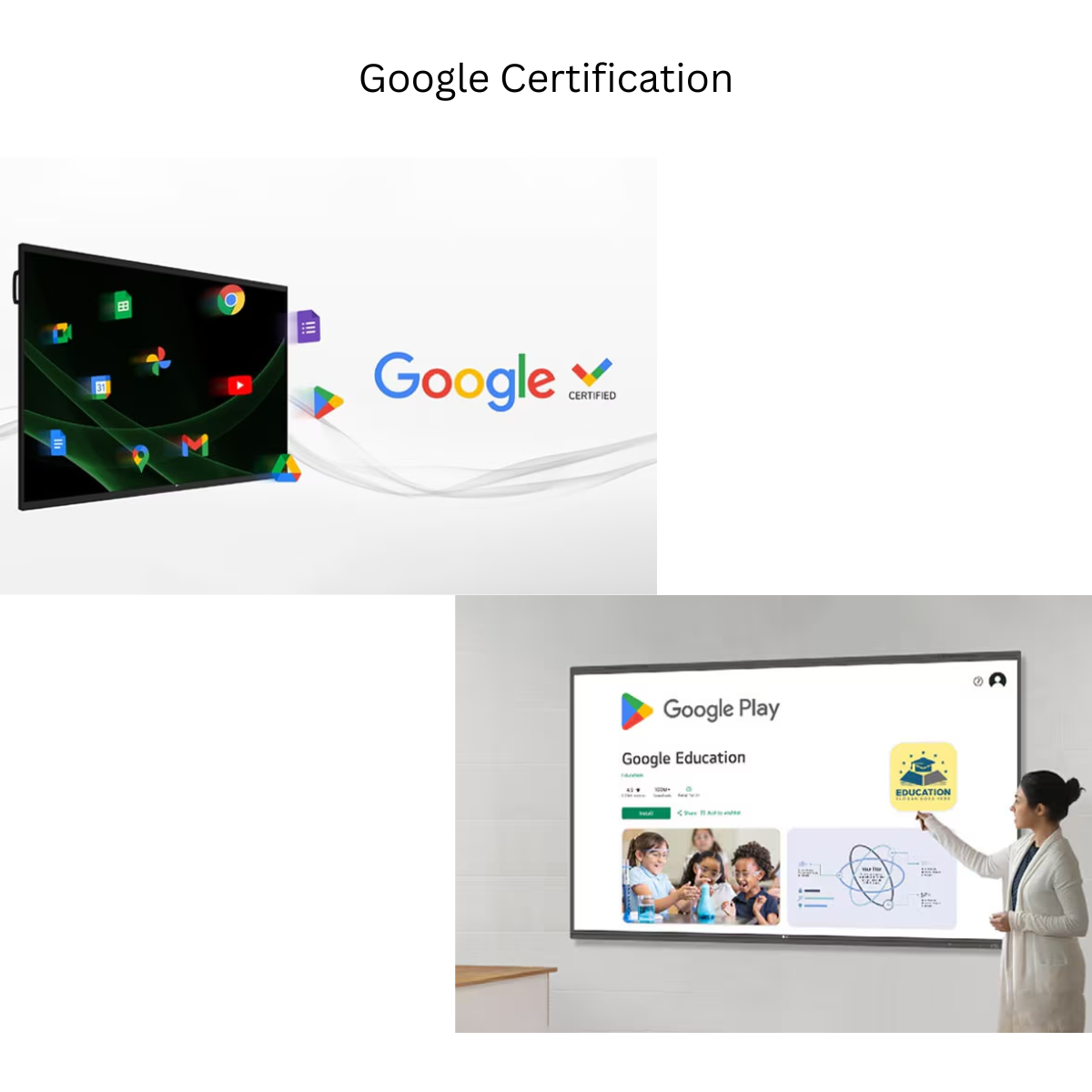
The LG CreateBoard TR3ER Series is equipped with Android 16 (EDLA) and has Google certification, helping users integrate the display with the Google ecosystem using their Google account.
This makes the interactive display particularly useful for institutions already working with Google-based education and productivity tools.
Users can access the Google Play Store and download compatible applications, including educational tools, learning applications, productivity software and other supported apps.
This provides teachers and institutions with greater flexibility to customize their digital learning environment according to their requirements.
The LG CreateBoard TR3ER includes multiple functions designed to protect the display and its data.
Users can protect the CreateBoard using a password-based Screen Lock to help prevent unauthorized access.
USB Lock Mode helps prevent information from being copied to unauthorized external devices, providing an additional security layer in environments where data protection is important.
Administrators can configure the CreateBoard to regularly delete files, helping maintain a cleaner and more secure shared-device environment.
Do more on a single display.
LG CreateBoard supports Multi-Screen Mode, allowing users to work with multiple screens simultaneously.
For example, users can take notes while playing a video or browsing online information, helping improve productivity during lessons, presentations and collaborative sessions.
Multi-Screen Mode support may vary depending on the application.
Reduce cable clutter with convenient USB Type-C connectivity.
A compatible USB-C connection can handle data transmission and display connectivity while supporting up to 65W Power Delivery without OPS, allowing compatible devices to connect through a streamlined single-cable setup.
USB Type-C cables are sold separately.
Frequently used connectivity ports are positioned for easier access, allowing teachers and presenters to quickly connect or disconnect external devices.
The TR3ER Series provides extensive connectivity including:
LG CreateBoard supports an OPS slot, allowing a compatible OPS module to be mounted directly to the display.
This can provide access to PC functions and Windows software without requiring a separate external desktop computer and the additional cabling associated with it.
OPS modules are sold separately.
Experience detailed educational content, presentations, videos and diagrams on a 3840 × 2160 UHD display.
The panel offers:
This combination helps provide clear content visibility across classrooms and professional spaces.
The TR3ER Series includes an integrated Android system designed for responsive everyday operation.
Processor: Octa-Core
GPU: Mali-G52 MC3
RAM: 8GB
Storage: 128GB
Operating System: Android 16 (EDLA)
Wi-Fi: Wi-Fi 6
LAN: Gigabit LAN
Bluetooth: Bluetooth 5.4
The system also includes an Auto Brightness Sensor for convenient display operation.
The LG CreateBoard TR3ER Series features integrated speakers with 20W × 2 output, providing a total built-in speaker output of 40W.
This makes the display suitable for educational videos, multimedia lessons, presentations and everyday classroom audio without necessarily requiring a separate speaker system for standard use.
For organizations managing multiple displays, LG ConnectedCare provides a cloud-based solution for remotely monitoring, controlling and managing compatible LG CreateBoard and signage displays.
IT administrators can manage important device resources without physically visiting every classroom or installation location.
LG ConnectedCare is sold separately, and service availability may vary by region.
The LG ConnectedCare dashboard enables administrators to monitor multiple devices simultaneously.
Available monitoring information can include:
This centralized approach can help institutions reduce management time and improve operational efficiency.
Compatible CreateBoard displays connected through LG ConnectedCare can be centrally controlled.
Administrators can remotely manage frequently used settings such as:
This can be particularly useful for schools, universities, corporate offices and institutions operating multiple interactive displays.
Messages and other supported content can be distributed from a central system to individual displays connected through LG ConnectedCare.
Organizations can use this functionality to communicate announcements, events and important information across multiple locations.
For urgent situations, administrators can manually distribute alert messages across connected displays to help teachers, students or staff quickly recognize important safety information.
Choose the LG CreateBoard TR3ER that best suits your classroom or collaborative space.
Screen Size: 165.1 cm (65”)
Dimensions: 1491 × 898.5 × 98 mm
Weight: 28.97 kg without wall mount
VESA: 600 × 400 mm
Screen Size: 190.5 cm (75”)
Dimensions: 1712 × 1022 × 98 mm
Weight: 39.02 kg without wall mount
VESA: 800 × 400 mm
Screen Size: 218.44 cm (86”)
Dimensions: 1957 × 1160 × 97 mm
Weight: 48.62 kg without wall mount
VESA: 800 × 600 mm
According to the TR3ER product specification, the standard accessories include:
Optional accessories listed for the series include compatible wall mounts and floor stands.
The LG CreateBoard TR3ER Series is suitable for:
The TR3ER brings together the core technologies required for a modern interactive environment: Android 16 with EDLA, 4K UHD resolution, 8GB RAM, 128GB storage, up to 50-point touch, Wi-Fi 6, Bluetooth 5.4, USB-C connectivity, LG CreateBoard Lab, LG CreateBoard Share and optional remote device management through LG ConnectedCare.
For educational institutions, it creates a flexible platform for interactive teaching and collaboration. For businesses, it provides a professional solution for presentations, meetings, brainstorming and content sharing.
Yes. The TR3ER Series is equipped with Android 16 (EDLA) and supports integration with Google’s ecosystem and Google Play Store where Google services are available.
The LG CreateBoard TR3ER Series is available in 65-inch, 75-inch and 86-inch sizes.
All three sizes feature a native resolution of 3840 × 2160 (UHD/4K).
LG specifies support for up to 50 touch points.
The integrated Android system includes 8GB RAM and 128GB storage.
Yes. LG CreateBoard Share allows compatible PCs, tablets and smartphones to wirelessly share content with the display.
Yes. LG CreateBoard Share can display up to four shared screens in real time.
Yes. The front USB Type-C connection supports USB, DisplayPort Alt Mode and up to 65W Power Delivery without OPS.
Yes. It includes 20W × 2 built-in speakers, providing 40W total speaker output.
The TR3ER supports an OPS slot for compatible OPS modules, allowing PC functionality and Windows software to be integrated into the display. The OPS module is sold separately.
The TR3ER supports LG ConnectedCare DMS. LG ConnectedCare is a separately purchased cloud service, and availability varies by region.
Create a more interactive, connected and collaborative learning or working environment with the LG CreateBoard TR3ER Interactive Digital Board.
From natural multi-touch interaction and 4K UHD visuals to Google EDLA, wireless screen sharing, integrated whiteboarding, extensive connectivity and centralized management capabilities, the TR3ER Series provides a comprehensive platform for modern classrooms and collaborative spaces.
Available Sizes: 65” | 75” | 86”
For Pricing, Demo, Installation & Bulk Enquiries:
Contact Smart Infovision for product consultation and deployment assistance.
|
Specification |
Details |
|---|---|
|
Available Sizes |
65” / 75” / 86” |
|
Resolution |
3840 × 2160 (4K UHD) |
|
Aspect Ratio |
16:9 |
|
Backlight Type |
Direct |
|
Brightness |
440 cd/m² (nits) |
|
Color Depth |
10 Bit |
|
Color Gamut |
NTSC 72% |
|
Contrast Ratio |
5000:1 (86”), 5500:1 (75”/65”) |
|
Dynamic Contrast Ratio |
10000:1 |
|
Display Lifetime |
50,000 Hours |
|
Refresh Rate |
60Hz |
|
Response Time |
6.5ms |
|
Viewing Angle |
178° × 178° |
|
Glass Bonding |
Zero Gap |
|
Surface Treatment |
25% Haze |
|
Protection Glass |
Anti-Glare Toughened Glass, 9H Grade |
|
Multi-Touch |
Up to 50 Touch Points |
|
Touch Interface |
USB 2.0 |
|
Minimum Touch Object Size |
Ø3 mm |
|
Operating System |
Android 16 (EDLA) |
|
Processor / SoC |
Octa-Core |
|
GPU |
Mali-G52 MC3 |
|
RAM |
8GB |
|
Storage |
128GB |
|
Wi-Fi |
Wi-Fi 6 – 802.11 a/b/g/n/ac/ax |
|
Bluetooth |
Bluetooth 5.4 |
|
LAN |
Gigabit LAN |
|
Built-in Speakers |
20W × 2 |
|
HDMI Input |
3 × HDMI 2.0 |
|
HDMI Output |
1 |
|
Touch USB |
2 |
|
USB 3.0 Type-A |
3 |
|
USB 2.0 Type-A |
1 |
|
USB Type-C |
1 |
|
USB-C Features |
USB + DP Alt Mode + up to 65W PD without OPS |
|
RJ45 LAN |
1 |
|
RS-232C |
1 |
|
Audio Input |
1 |
|
Audio Output |
1 + Optical SPDIF |
|
OPS Compatibility |
Yes |
|
Screen Sharing |
LG CreateBoard Share |
|
ConnectedCare DMS |
Supported |
|
Auto Brightness Sensor |
Yes |
|
Picture-by-Picture (PBP) |
Yes, 1 External Source |
|
Picture-in-Picture (PIP) |
Yes, 1 External Source |
|
Wake on LAN |
Yes |
|
Power Protection |
Yes |
|
Smart Energy Saving |
Yes |
|
Operating Hours |
16/7 |
|
Orientation |
Landscape |
|
Operating Temperature |
0°C to 40°C |
|
Operating Humidity |
10% to 90% |
|
Model Size |
Product Dimensions (W × H × D) |
Weight |
VESA |
|---|---|---|---|
|
65-inch / 165.1 cm |
1491 × 898.5 × 98 mm |
28.97 kg |
600 × 400 mm |
|
75-inch / 190.5 cm |
1712 × 1022 × 98 mm |
39.02 kg |
800 × 400 mm |
|
86-inch / 218.44 cm |
1957 × 1160 × 97 mm |
48.62 kg |
800 × 600 mm |
Basic Accessories: 1.8m Power Cord, 3m HDMI Cable, 5m USB Cable, 2 Writing Pens and Remote Controller with batteries.
Share your requirement and our Smart Infovision team will help you with product selection, pricing, installation and complete setup guidance.
You are enquiring about LG CreateBoard TR3ER Series Interactive Digital Board.




Real experiences from educators, institutions and creators using Smart Infovision solutions.